Securely load, convert, customize, and preview OBJ, STL, PLY, and USDZ files offline. Absolute data privacy with 100% high-performance on-device rendering.
Need Assistance? Contact Support安全地离线加载、转换、定制并预览 OBJ、STL、PLY 及 USDZ 文件。100% 本地高性能渲染,确保商业图纸与个人创意的绝对隐私。
需要帮助?联系技术支持Take a glance at our elegant dark-mode design system built for standard CAD and 3D graphics professionals.
专为 CAD 和三维图形设计专业人士打造的极简现代暗黑设计系统,美观且实用。
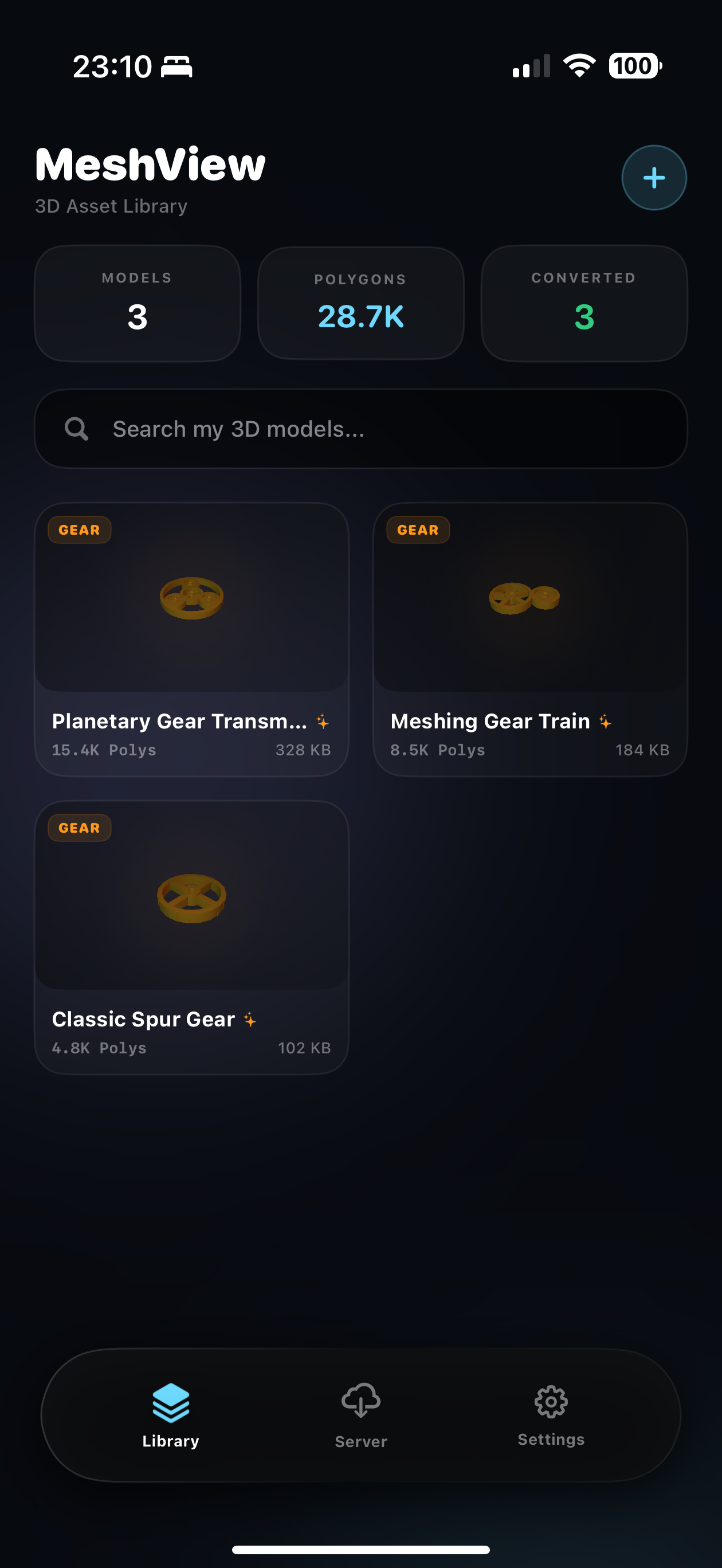
Easily access and manage your local 3D libraries. Zero internet required to view spur and planetary gears in a highly organized dashboard.
轻松访问和管理您的本地 3D 模型库。离线加载并分类浏览直齿轮与行星齿轮等模型,完美容纳大宗文件。
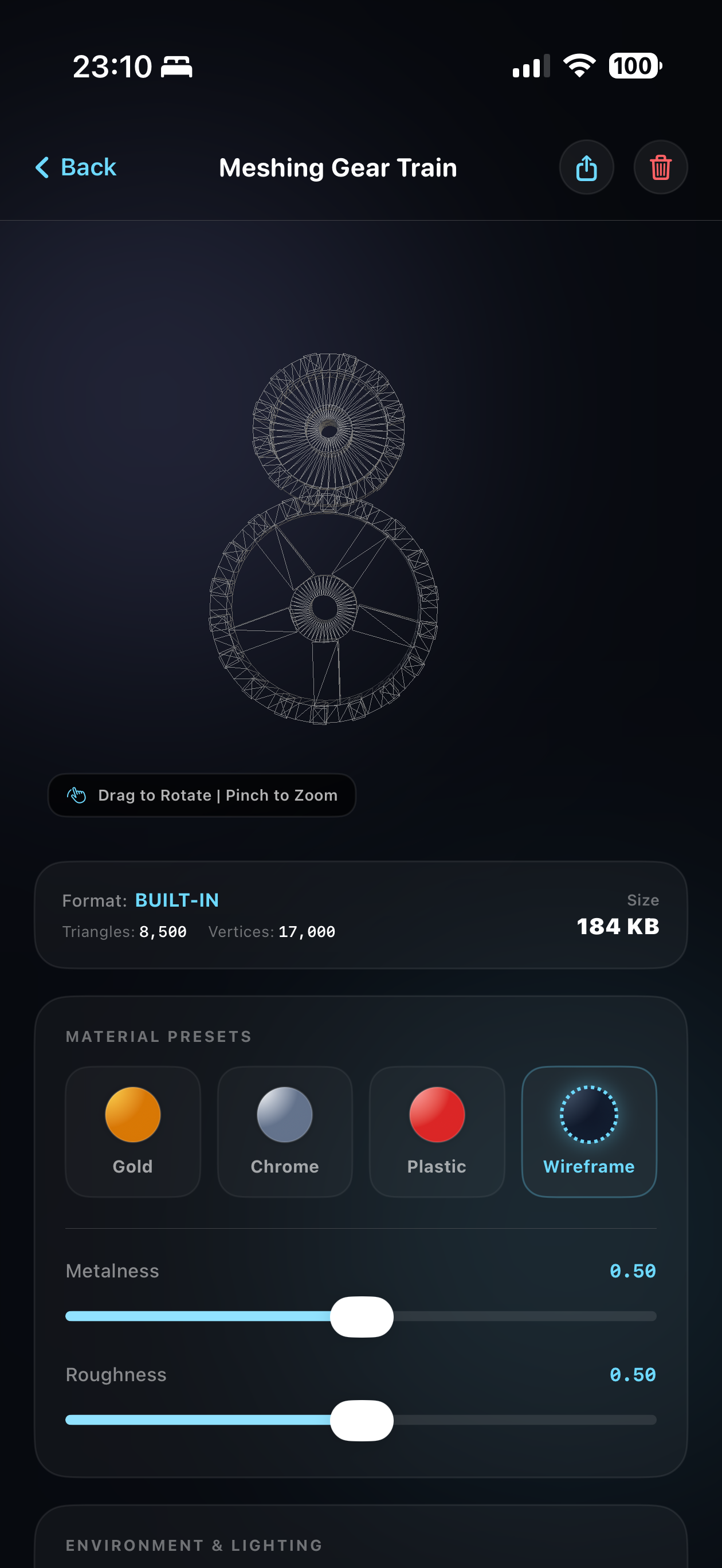
Rotate, scale, and pan with high-precision gesture control. Instantly tweak material presets (matte, metallic, chrome, glass, wireframe) and environments.
支持单指旋转、双指平移与缩放的高精度手势操作。一键切换材质预设(磨砂金属、霓虹线框、透明玻璃、铬合金)及环境光照。
Compile custom files to standard USDZ formats locally and project them into the physical environment with native ARKit anchoring.
在本地将各种模型编译为标准 Apple USDZ 格式,利用原生 ARKit 增强现实技术,以 1:1 物理比例精准投射到现实平面。
A comprehensive set of secure tools engineered for 3D modelers, mechanical designers, and CAD engineers.
专为 3D 建模师、工业设计师及 CAD 机械工程师量身定制的完整数据隐私防护工具集。
MeshView processes all 3D file formats (OBJ, STL, PLY, USDZ) completely locally. No accounts, no internet required, eliminating any leakage risk of sensitive proprietary designs.
MeshView 完全在本地沙盒处理所有 3D 模型格式。免去账户注册与网络依赖,彻底消灭敏感的工业设计或商业图纸在云端传输和存储过程中的泄露隐患。
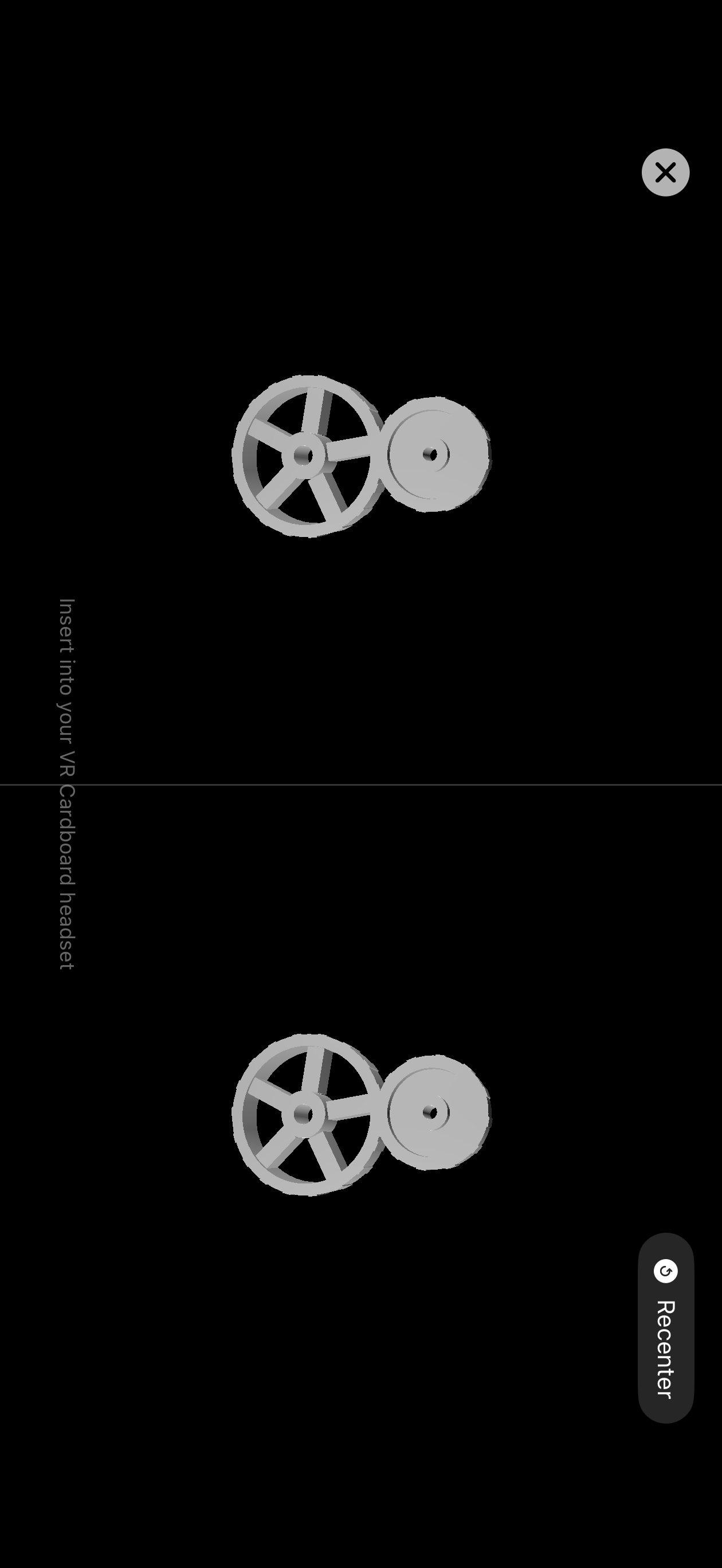
A native split-screen rendering view coupled with iOS core gyroscope tracking at 60Hz. Slide your device into any standard VR headset for immersive, hands-free mechanical inspections.
原生的双眼分屏渲染视口,紧密配合 60Hz iOS 陀螺仪运动追踪。将手机放入任何 Cardboard VR 盒子,即可免提进行高沉浸感的零件内部漫游与结构剖析。
Convert OBJ, STL, or PLY models into native USDZ files on-device. Seamlessly share files via AirDrop, Email, or save them directly back to the iOS Files application.
完全在手机本地将 OBJ, STL 或 PLY 编译为符合 Apple 工业规范的原生 USDZ 模型。通过隔空投送 (AirDrop)、邮件或系统分享一键输出至文件沙盒。
Accidentally deleted original Spur/Planetary gear demos or want to release cache? Wipe all database elements instantly or recover factory demos in Settings with absolute security.
不小心删除了原装的直齿轮与行星齿轮演示,或者想要清空本地导入缓存?您可以在设置面板随时“一键清空”或“即时恢复出厂演示模型”。
Encountered an issue importing a specific 3D model format? Have feature suggestions or questions? Send us a ticket and our support team will help you shortly.
在导入特定 3D 格式模型时遇到问题?或是对应用有功能建议与反馈?请在此填写您的工单,我们将在 24 小时内为您解答。